Koja Cloth Tool
A desktop studio for GTA V clothing. Point it at the files you already have, see the garment on the ped under the game's own light, and build a FiveM resource that loads the first time — with the drawable numbering written for you rather than counted by hand.
- Builds for
- FiveM · singleplayer
- Interface
- 4 languages · 16 themes
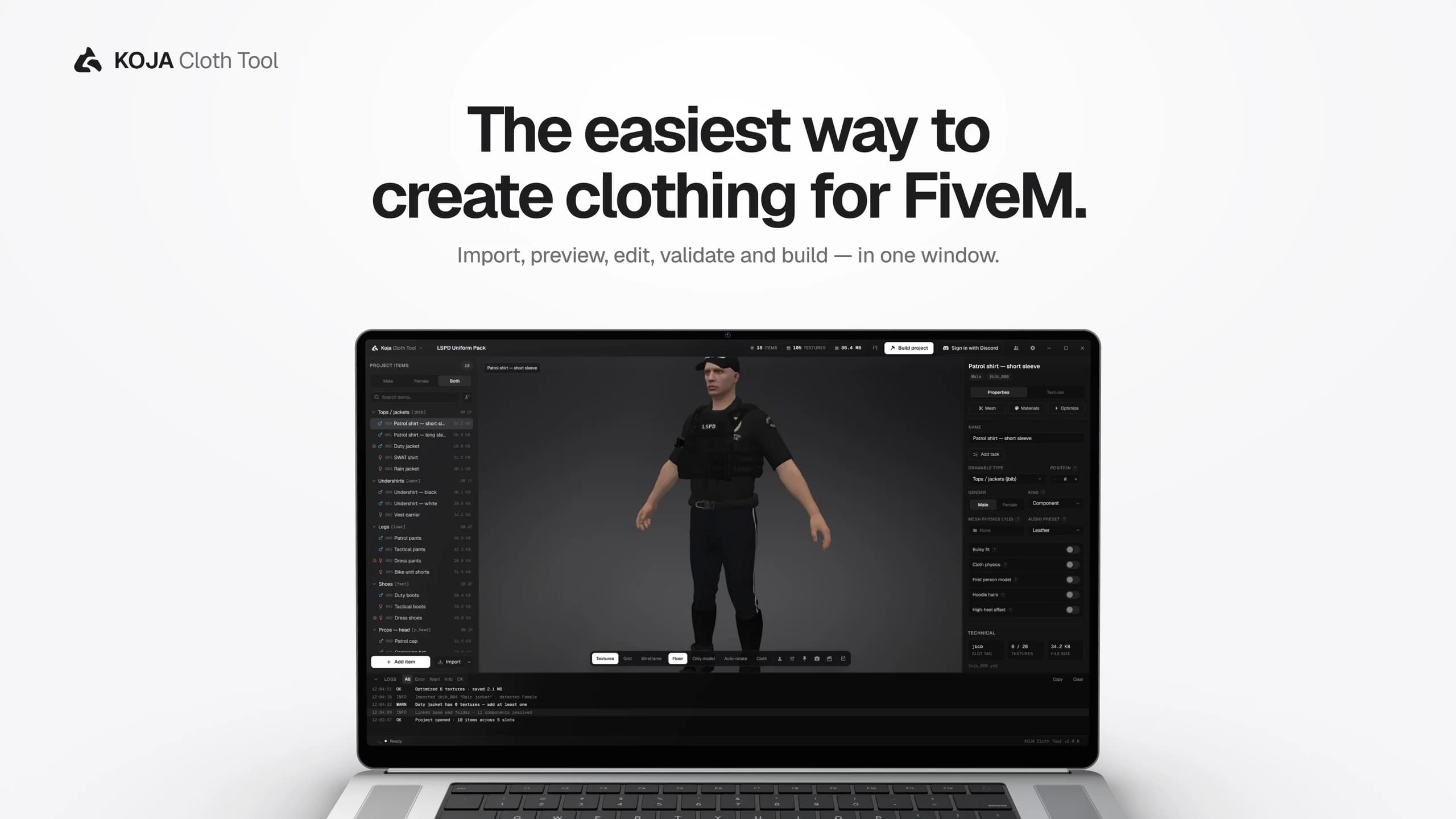
The whole tool, at a glance
Everything below is in the shipping build. What a licence adds is set out further down, taken from the app's own gate list rather than described loosely.
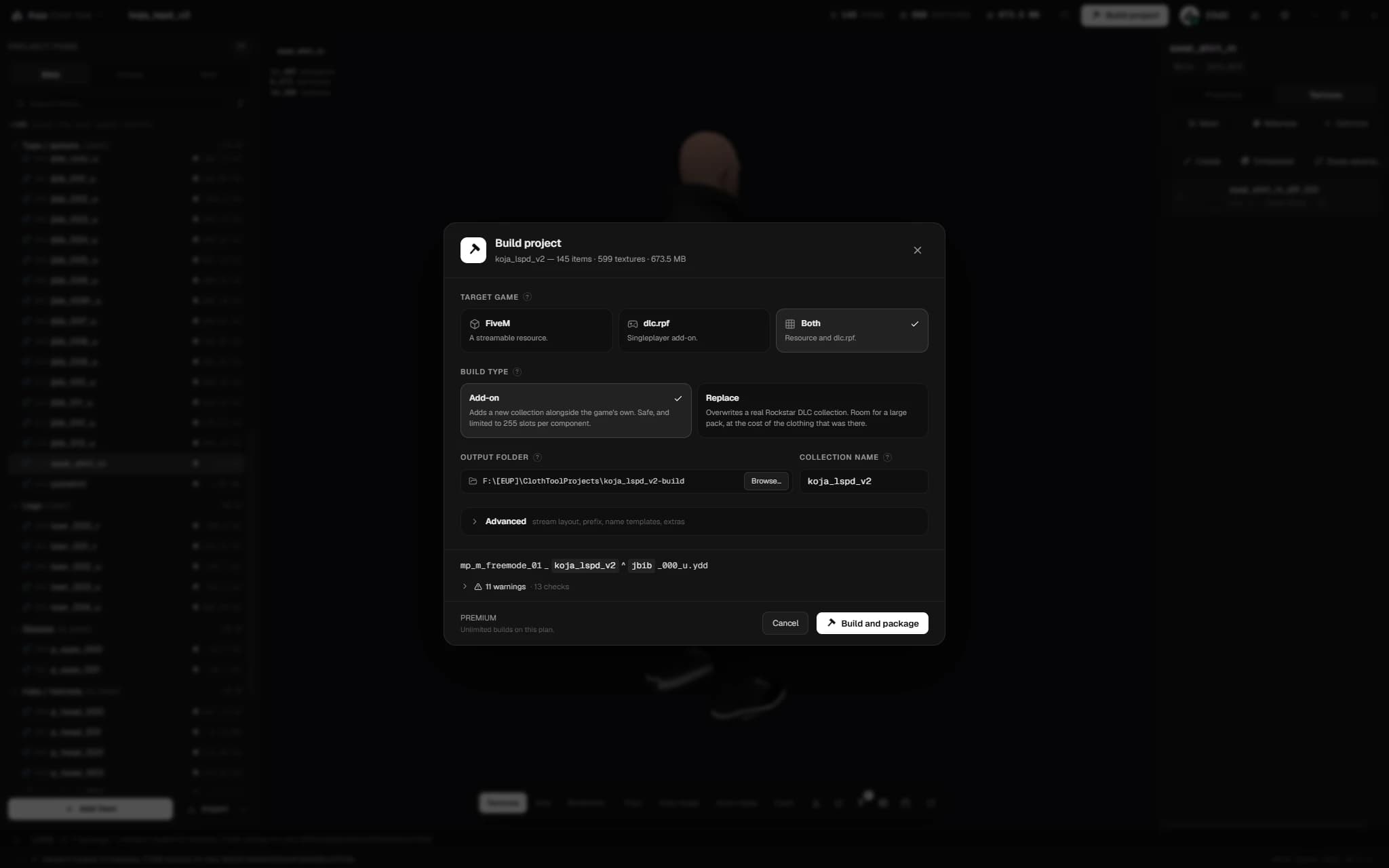
Add-on or replace
Build a FiveM add-on collection, or overwrite one of 50 real GTA DLC collections by name.
01/12
Packs that load the first time
The numbering is the part that goes wrong, so the tool owns it. Drawable ids, texture variations and the shop metadata are written from the files themselves, and a pre-flight report blocks a build that would ship broken.
- Correct freemode naming, _shop.meta and a compiled .ymt variation file
- Packs too big for one resource split themselves across as many as they need
- Replace mode targets a named GTA collection, so no add-on support is required anywhere
- The build panel shows the cost per slot — your items against Rockstar's — before you commit
- clothes_info.json reports each item's index inside its collection, which is what survives a gamebuild change
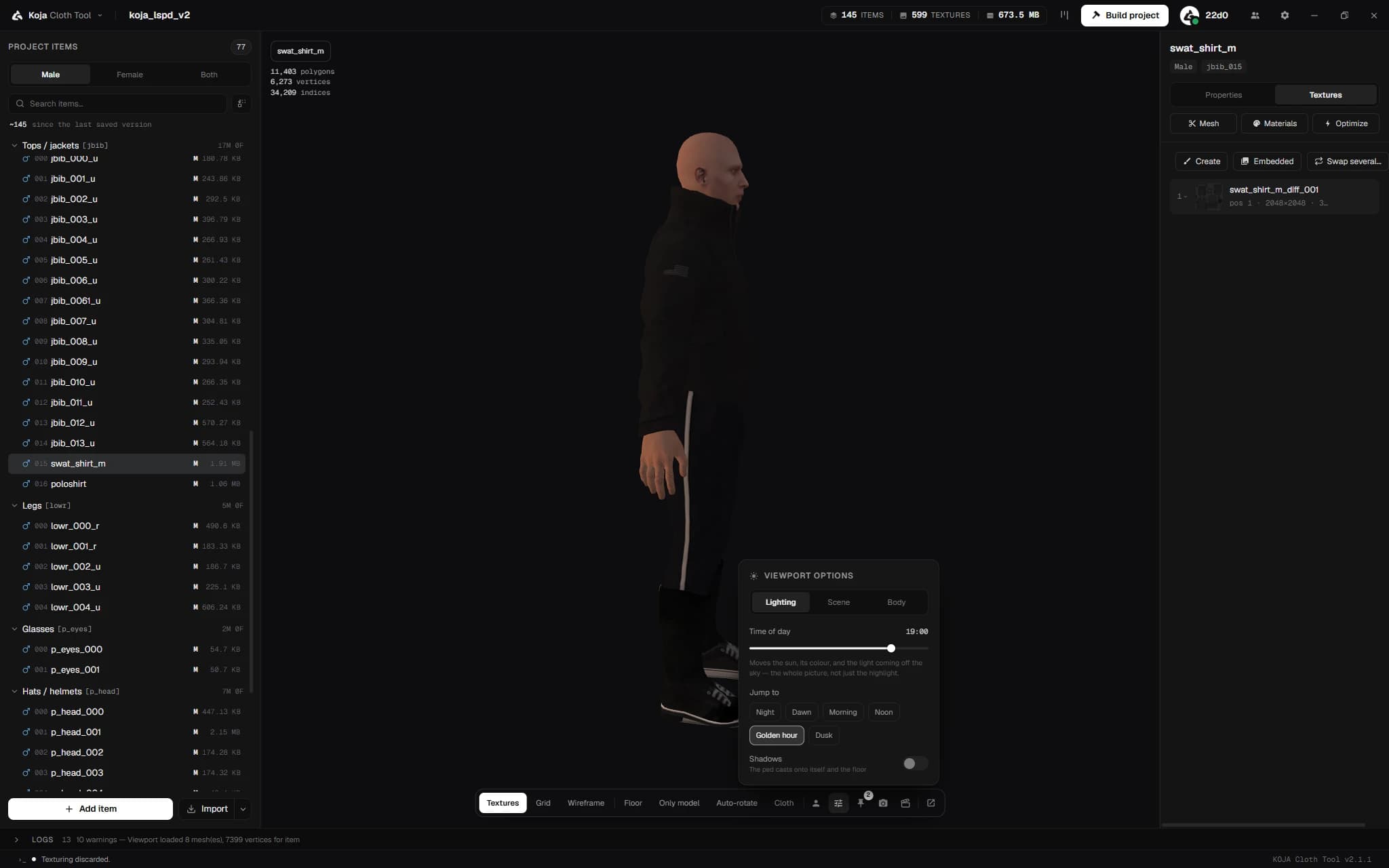
Judged under the game's own light
A garment that reads well under flat editor light can read wrong at dusk in game, so the viewport lights it the way GTA does — every hour with its own sun, sky and exposure, and six presets under the slider.
- Your garment composited onto the base ped in real time
- A .yld cloth mesh simulates, with wind, gravity, damping and iteration controls
- Cloth collides with the ped's actual body, not only the capsules the file shipped
- Textures preview at their real size with anisotropic filtering, so the model is not a blur
- The polygon badge counts the selected garment, not the ped underneath it
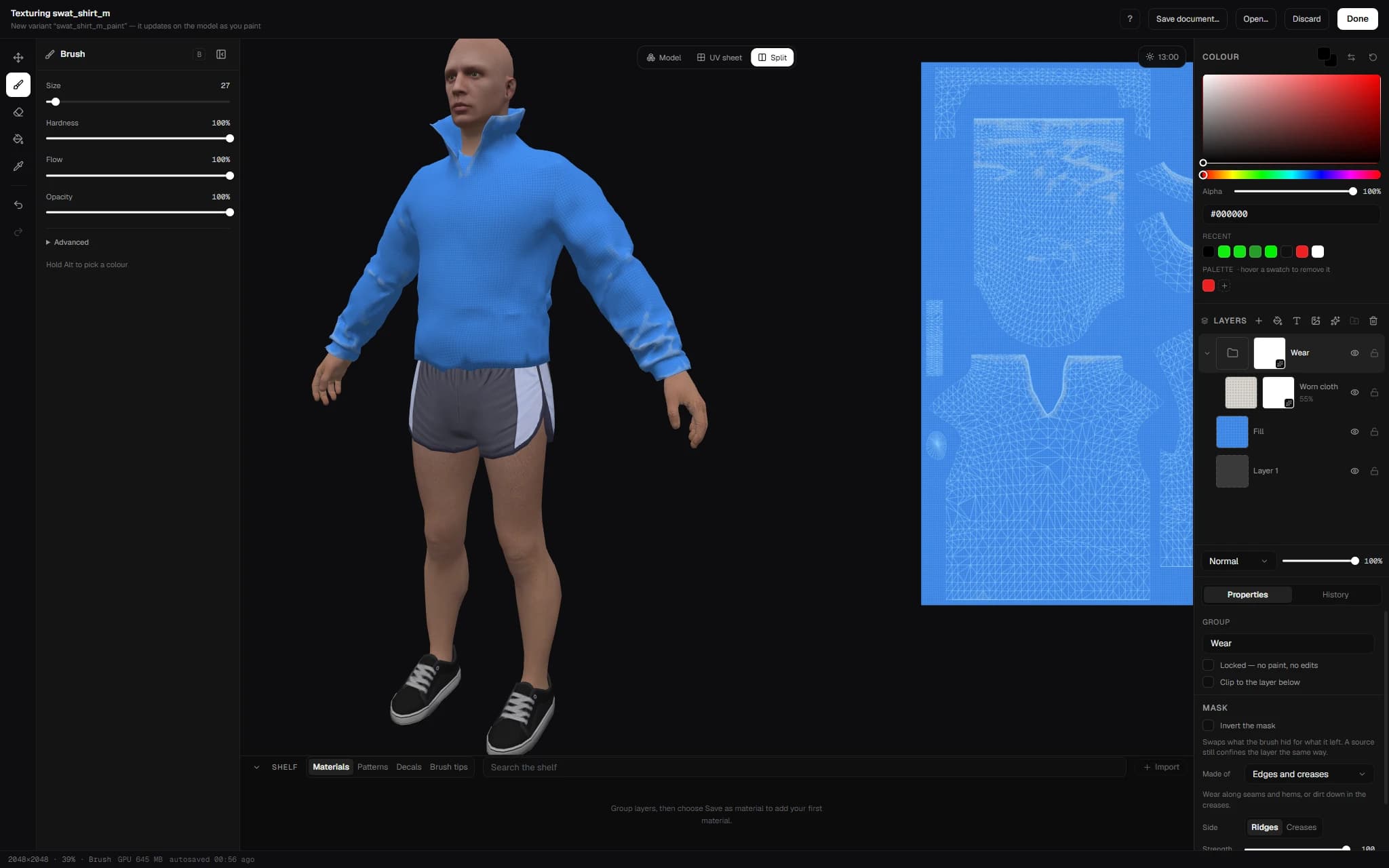
The Texture Creator
Paint straight onto the garment with the model updating under the brush, on the GPU. Layers with masks, clipping and groups; a brush that follows the surface across seams; and seven cloth materials generated rather than shipped, so each takes your colour at any scale.
- Brush, eraser, UV fill, eyedropper and shapes, with mirror painting and island fill
- Denim, cotton, leather, wool, nylon, camo and a plain weave — wear settles on seams, dirt gathers in folds, measured from the mesh itself
- Save a stack of layers as your own material; drag it onto another garment and it comes back editable in one undo
- A shelf along the bottom: import a texture once and it is there in every project, .dds and .ytd included
- Undo for everything, not only strokes, and padding on export so seams stop showing in game
- Light controls in the viewport header, because clothing is judged under GTA's light
Smaller packs, not broken ones
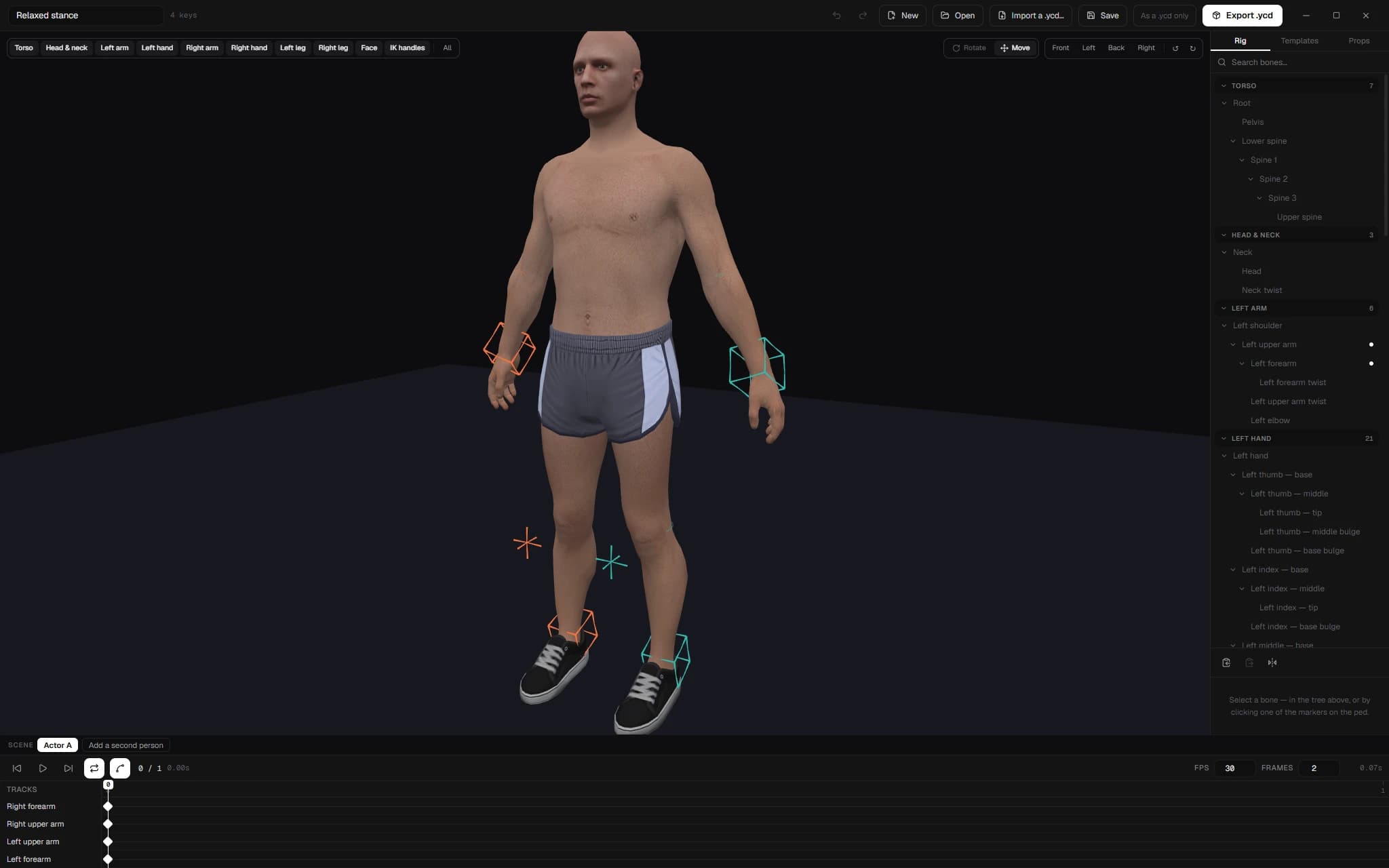
Texture optimisation runs across a whole project in one pass, with a projected size before it starts. The Mesh Optimizer cleans, welds, decimates and generates LODs, with the before and after wireframe side by side.
- Quality or Fast compression — a 10,000-texture pack goes from about forty minutes to under four
- Textures baked inside models are optimised too, usually the heaviest part of a pack
- Anything that would come out heavier than it went in is left exactly as it was
- Files already at the chosen size and format are skipped and reported, so re-running costs nothing
- Meshes restore from an .optbak backup at any time
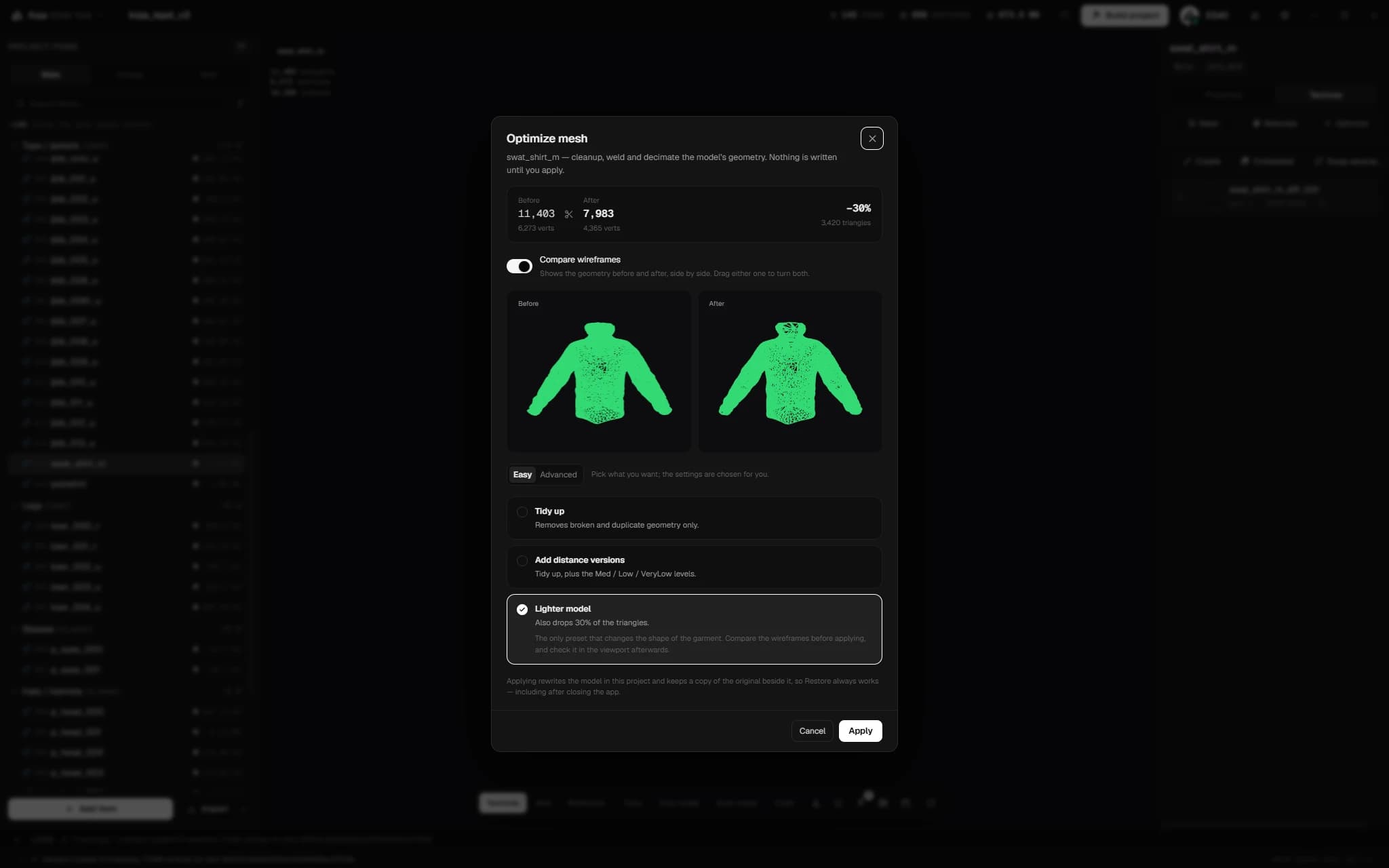
A pack two people can work on
Start a party from your Discord sign-in. No GitHub account, no token, nothing to name. The pack opens straight away and each garment's files arrive as you click them.
- Changes, Versions, People and Storage — four tabs that say what a sync is doing while it does it
- The Changes tab lists every file that moved, by garment, with its size before and after
- Version rows open up and say which garments were added, removed, renamed or edited
- Restore one garment from an older version without touching the rest of the pack
- A 400 MB upload interrupted by a crash picks up where it stopped
- Point a party at a Discord channel and it posts when somebody syncs or builds
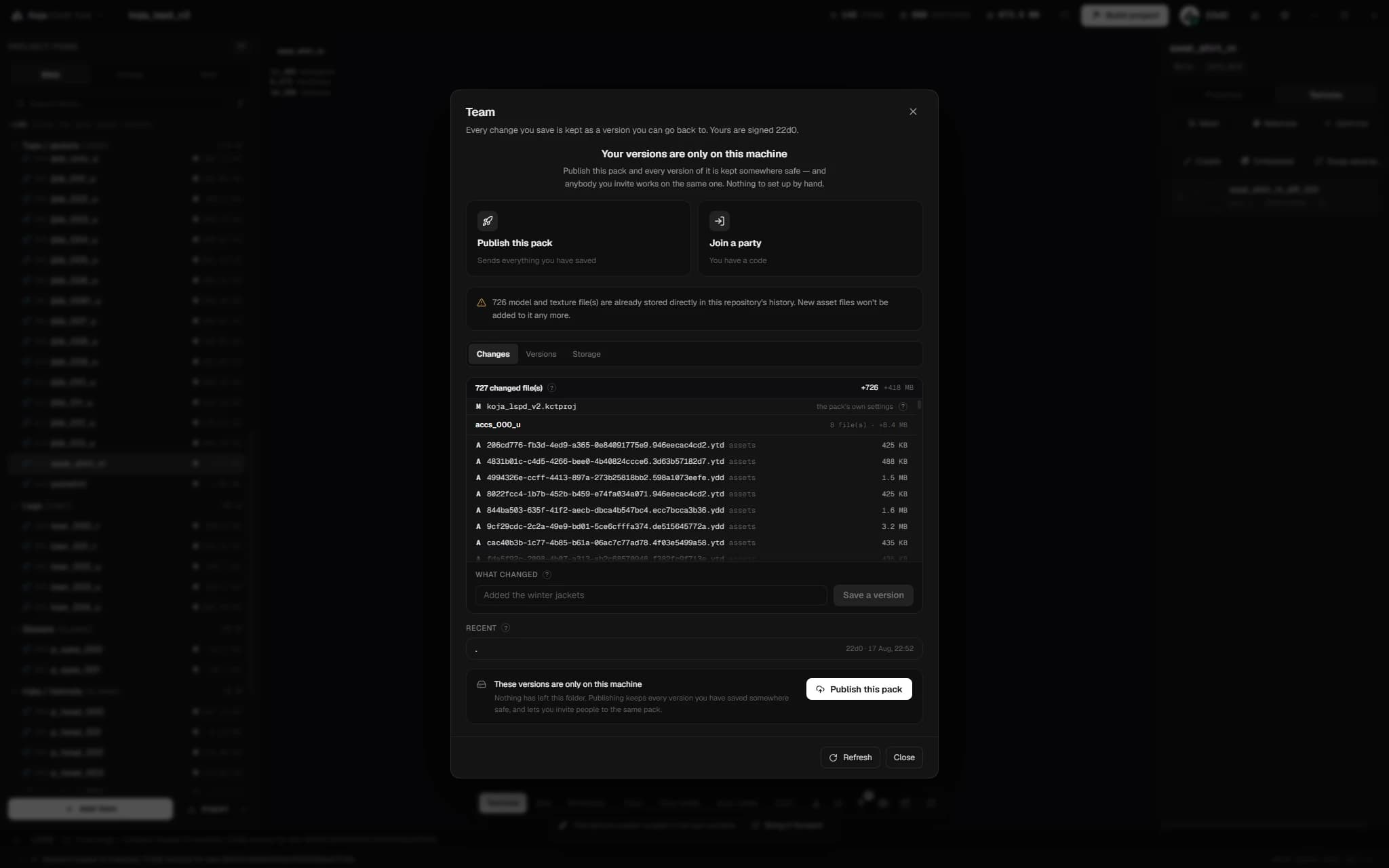
Shoot the garment, do not screenshot it
Stage a piece on a dressed ped, dress the set with GTA's own objects, pick the hour and a backdrop, and keep the arrangement as a .kctscene in the project. Then key the camera and let it fly a path between the keys.
- Search GTA's own objects or pick a category, then move, turn and resize with the gizmo
- Drags snap to a quarter metre and fifteen degrees unless you hold Shift, and nothing goes below the floor
- Six ready-made camera moves — a full orbit or a quarter, a push in, a pull back, a reveal, a crane down
- Actor position, object placement and time of day are keyable on the same timeline, so the sun can cross the sky while the camera circles
- Ease any key in or out, orbit at any moment to look around, and a chip brings you back to the shot
- A scene with no keys is exactly the still it always was
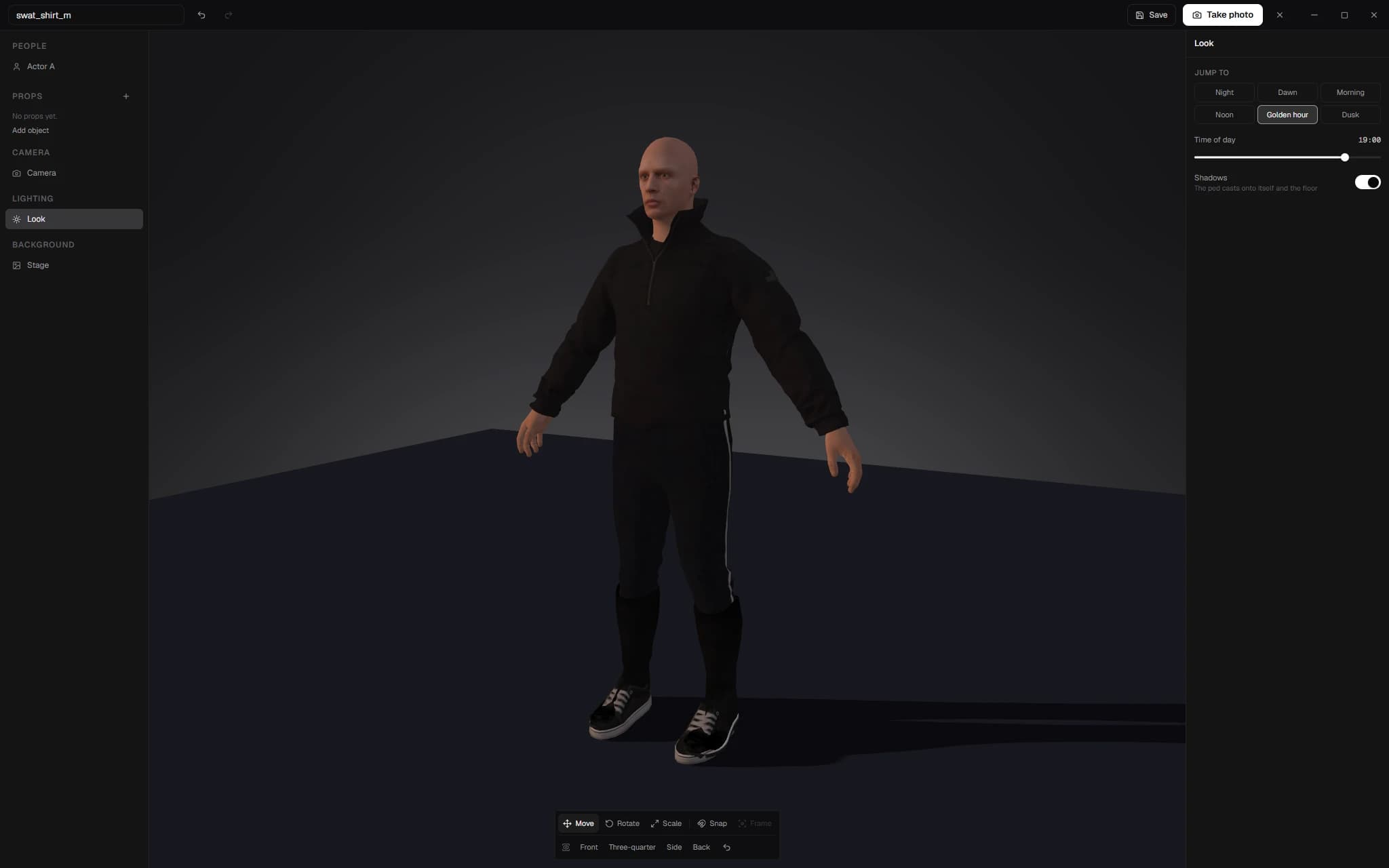
A rig you can grab
Click the rig to show or hide controller layers, drag a widget to turn a bone, and read the bone tree grouped the way the rig is rather than as one flat list. The rig itself is free; clip dictionaries and importing your own animations are premium.
- IK with a handle you can see and drag, and an FK/IK switch per limb
- The knee pole travels with the foot instead of standing still while the leg moves
- A Move tool beside the rotate one, with manipulators big enough to hit
- The timeline takes more than one key — click, shift, ctrl or drag a box, then move or delete the group
Free, and what a licence adds
The premium column is not a marketing decision. It is the app's own gate list — the single place a feature can be refused — so it says exactly what it says in the app, and it cannot quietly grow.
Building
Working on a garment
Premium tools
Working with other people
Get the tool
The same application either way. Rent it monthly and stop whenever you like, or pay once and keep it — every feature above is included in both.
Lifetime
Pay once. Yours to keep, with every update for as long as it is maintained.
Payment processed by Hexel Store. Got a discount code? Enter it on the payment page. Questions about this order: kojadevelopments@gmail.com.
Subscription
Billed monthly. Cancel whenever you like — access runs to the end of the period.
- Instant delivery
- Secure payment
- Lifetime updates
Support runs through the Discord. Refund policy.
Windows · Discord sign-in · licensed per machine with an offline grace period, so a dropped connection does not lock you out mid-project.
Questions
Everything except the ten features named in the premium list on this page. That list is not marketing copy — it is read from the one place in the app that is allowed to refuse a feature, so it cannot quietly grow. Importing, validating, previewing, building and shipping a pack are all free, subject to a monthly build allowance.