


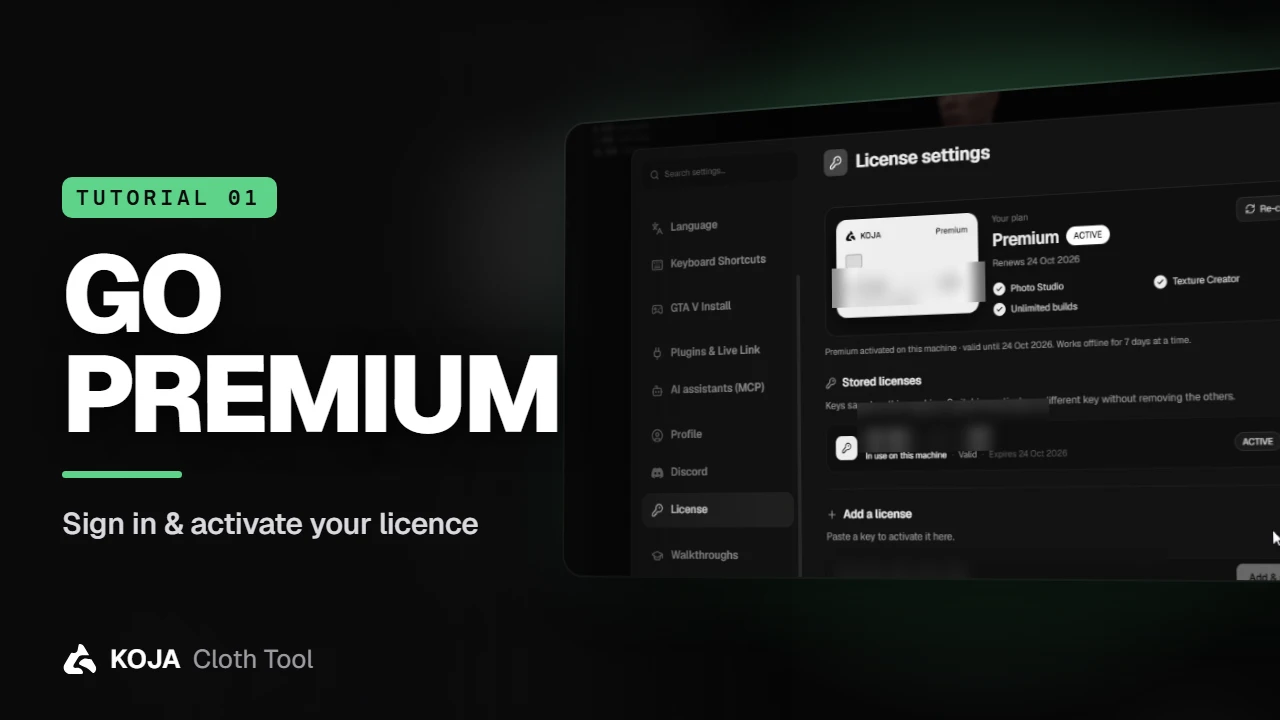
Cloth Tool tutorial #1: sign in and activate Premium
A one-minute start: sign in with your store account, authorize your PC, and turn a licence key into Premium — Photo Studio, the Texture Creator and unlimited builds.
·2 min read·2 views
From the servers running it
Incredible support team, incredible tool, incredible people.

A one-minute start: sign in with your store account, authorize your PC, and turn a licence key into Premium — Photo Studio, the Texture Creator and unlimited builds.
·2 min read·2 views
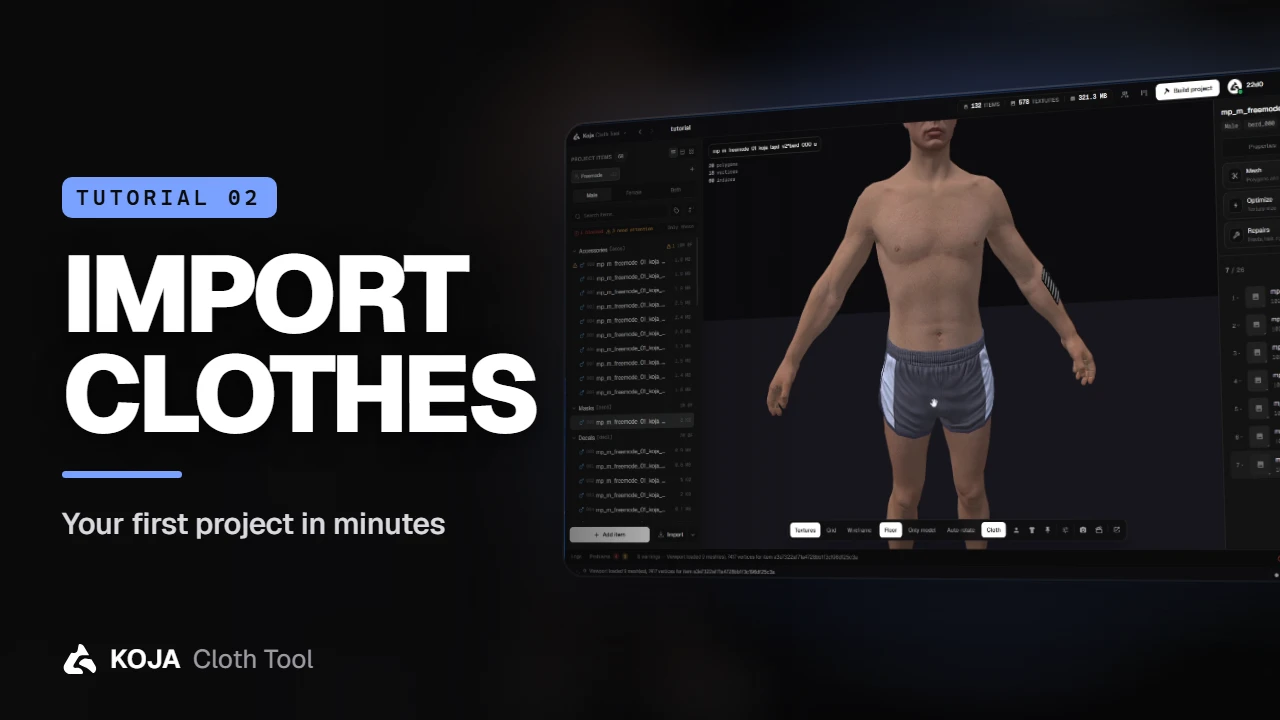
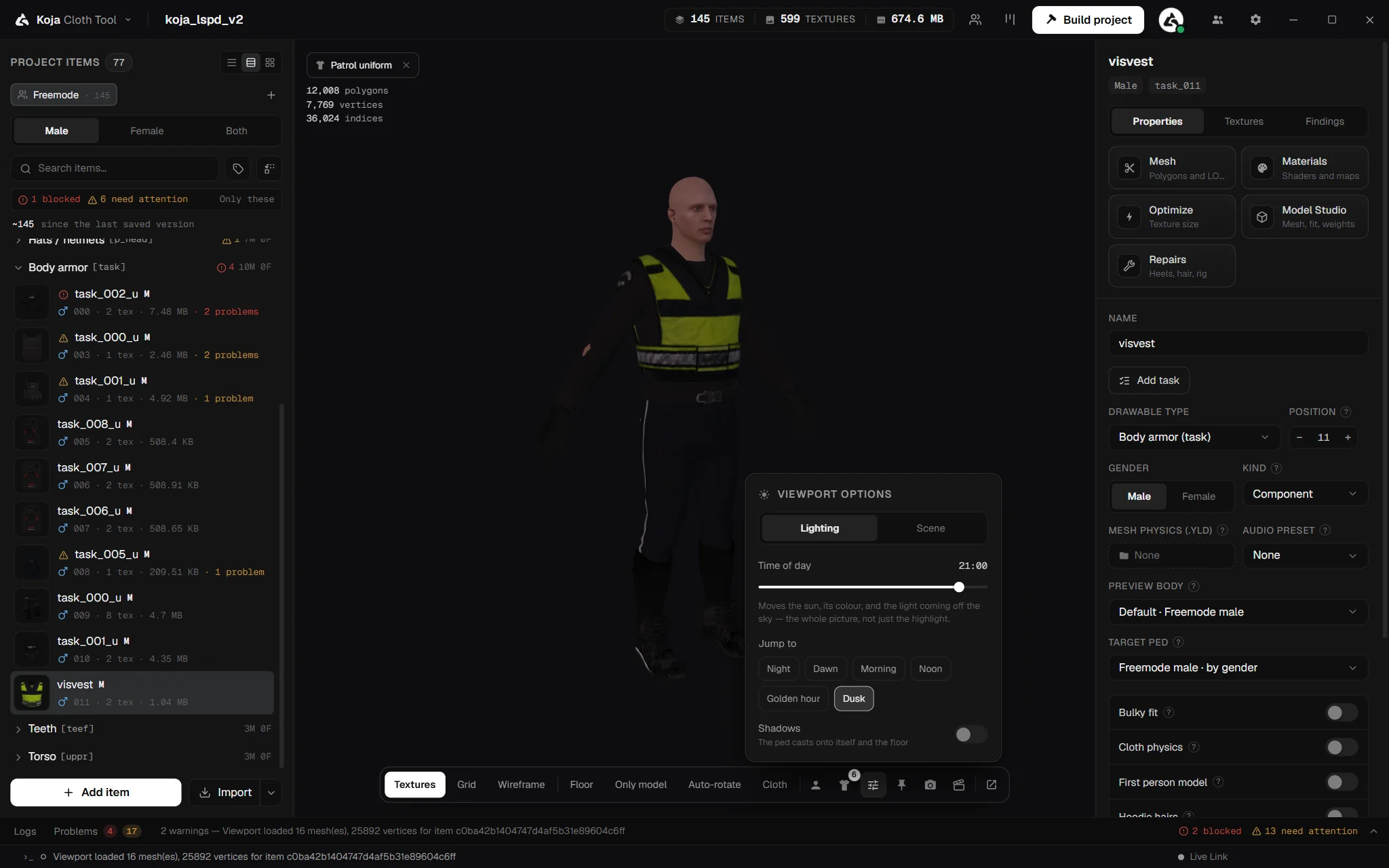
Start a pack, import .ydd and .ytd files, a whole folder or an existing FiveM resource, and check every garment on the ped before you build.
·2 min read
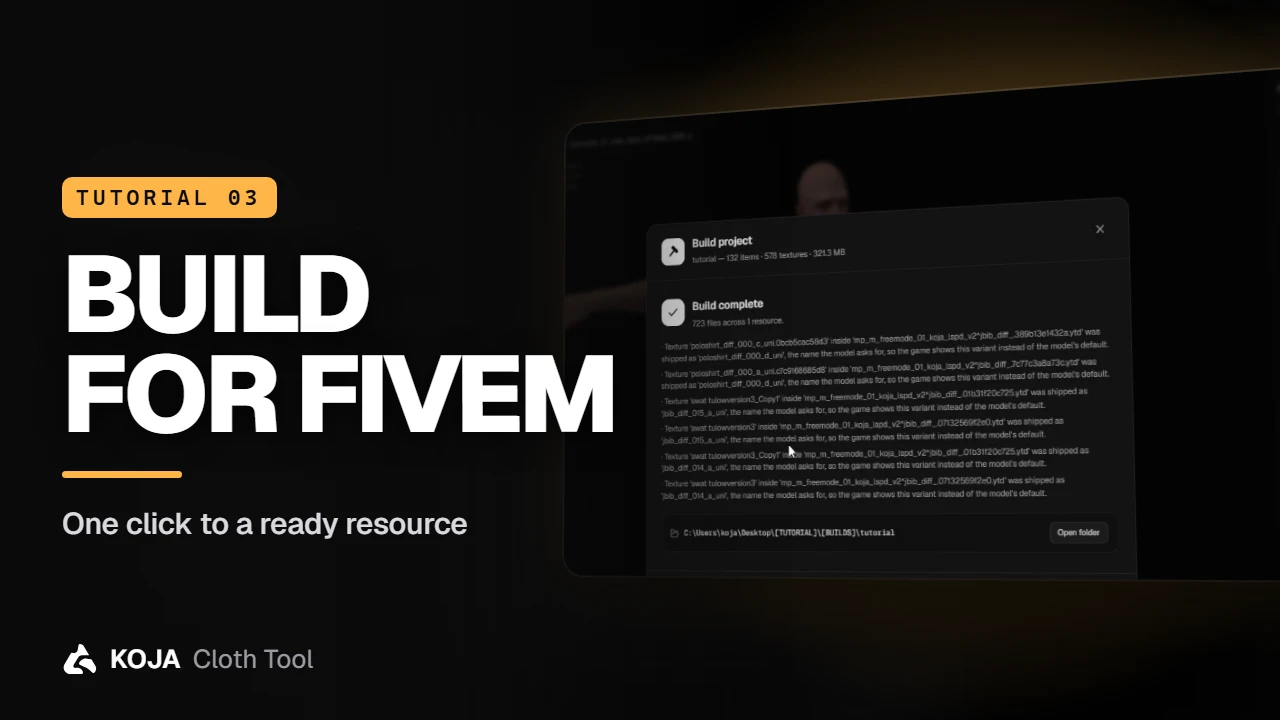
One window turns your project into a ready-to-stream FiveM resource: output, edition, add-on or replace, checks with fixes, and a build that never needs a hand-written meta.
·2 min read·1 view
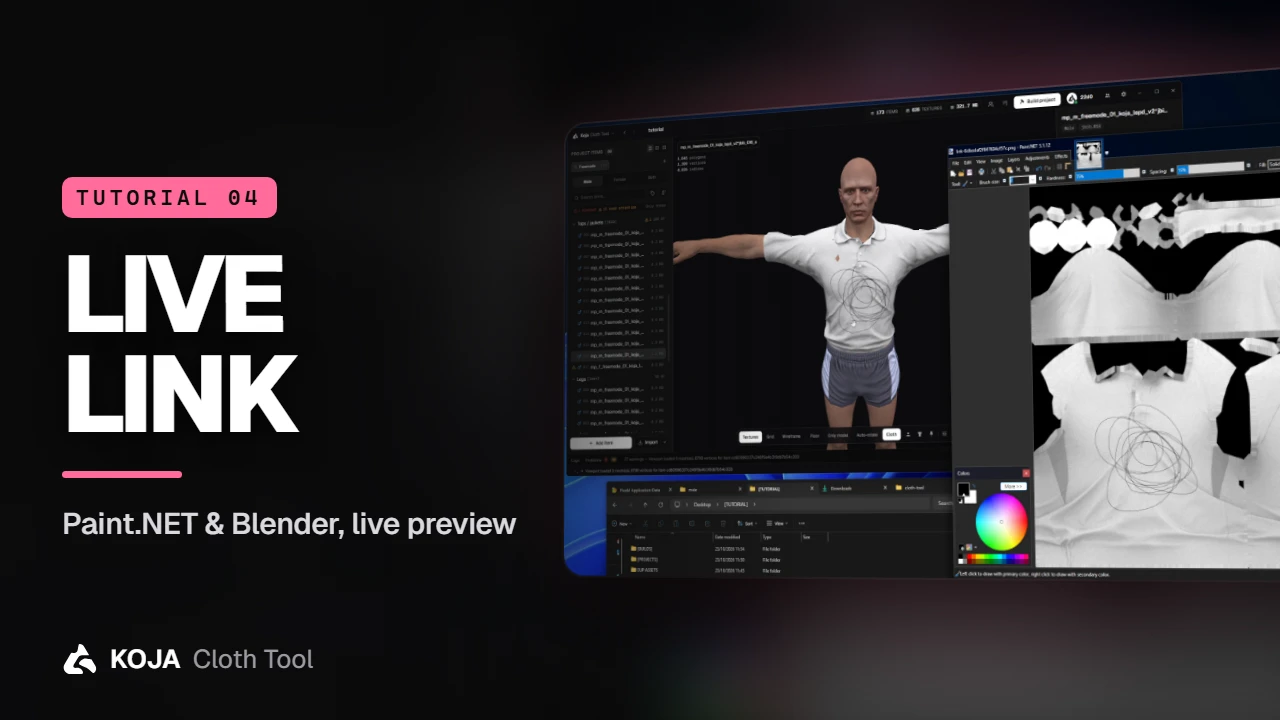
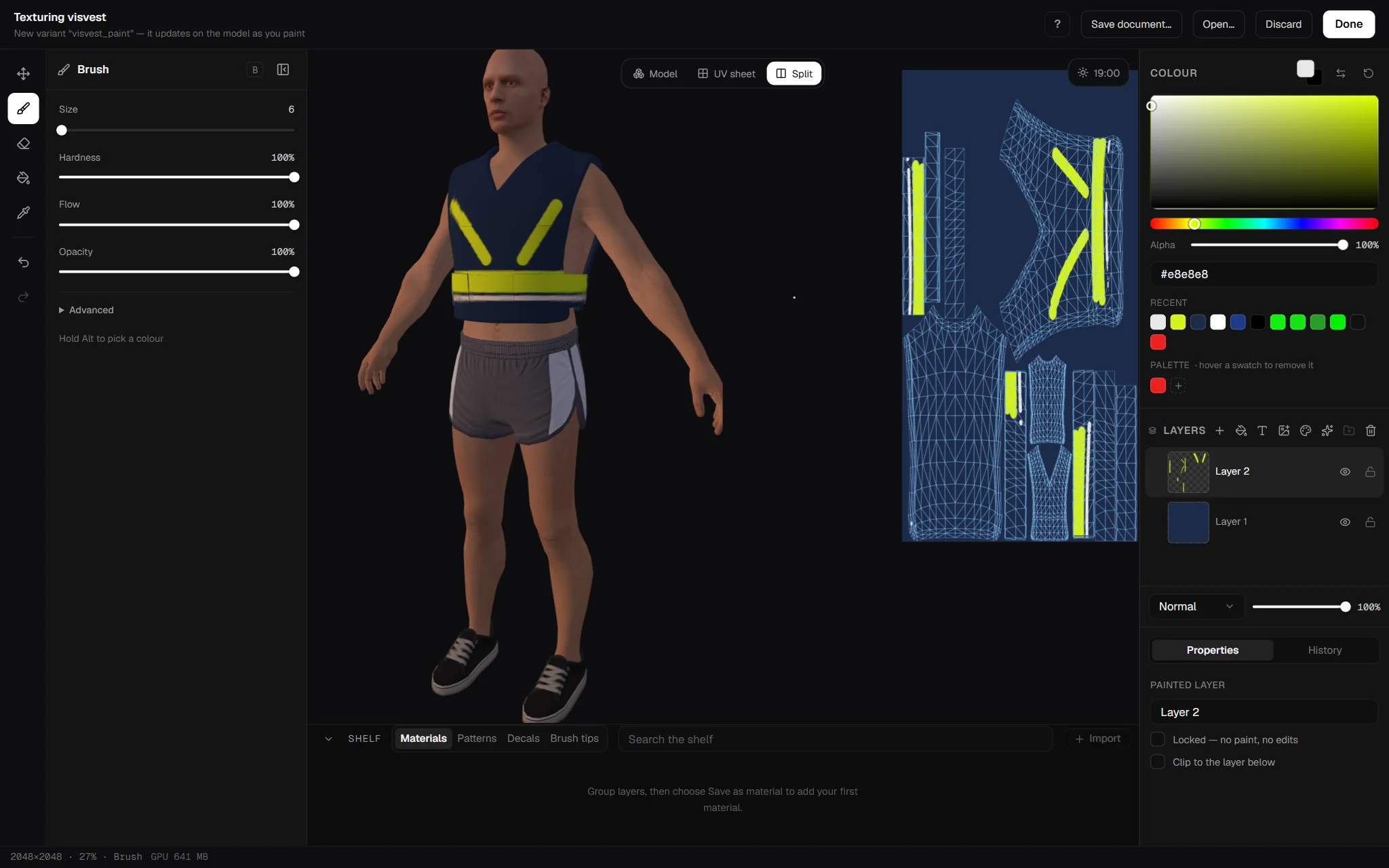
Paint a texture in Paint.NET or Photoshop, push a mesh around in Blender, hit save — and watch the garment change in the preview. No re-importing, no DDS by hand.
·2 min read
Building for FiveM since 2020. ESX, QBCore and QBOX bridges in every script, open source or escrow — the product page tells you which before you buy.
ESX, QBCore and QBOX, plus standalone where it makes sense. Every script ships bridges for all three rather than a separate build per framework, so switching framework later does not mean rebuying.